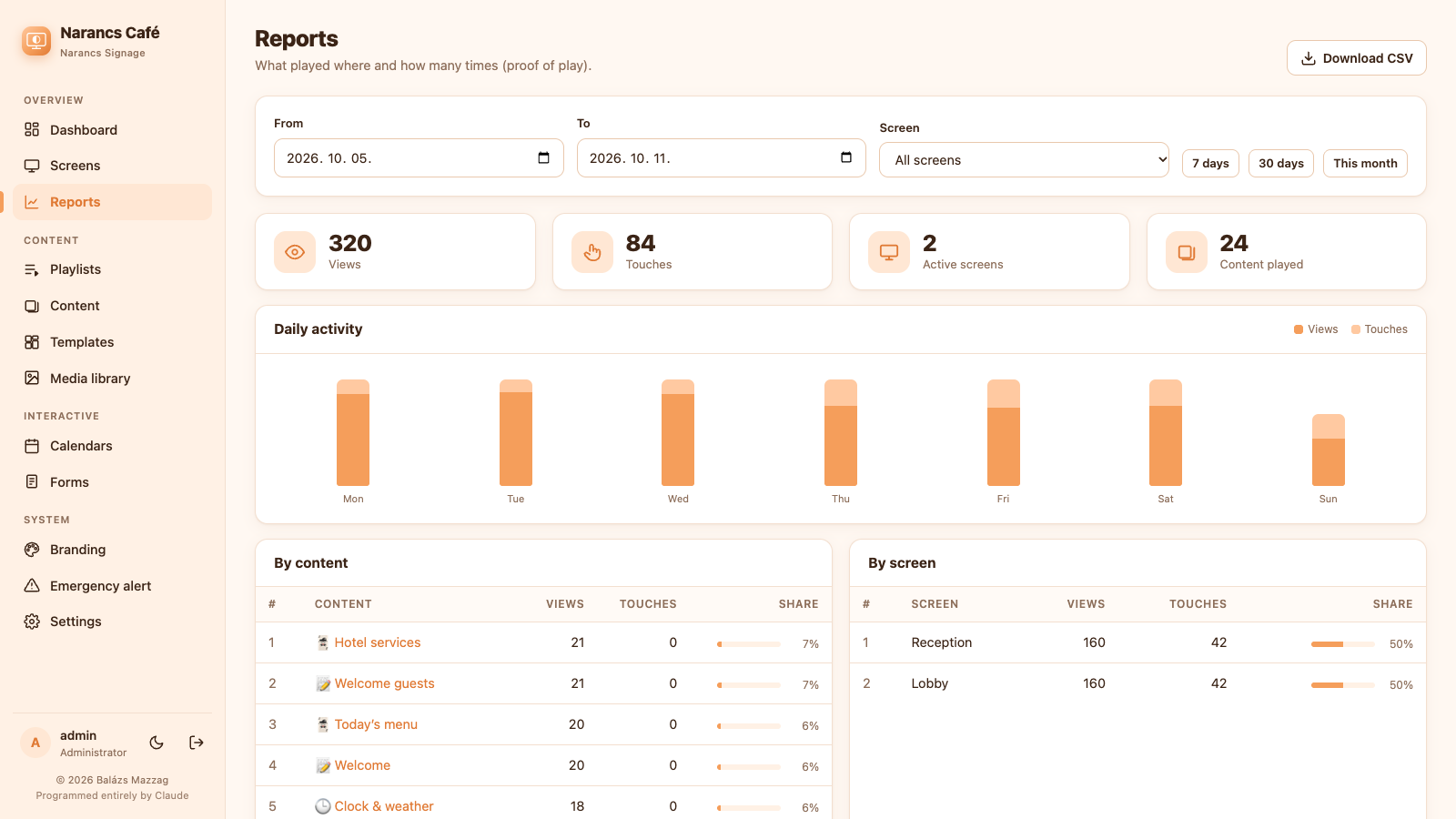
Proof of play
Reports of what played where and how often, by content and by screen, with CSV export for advertisers.
 Narancs Signage
Self-hosted digital signage
Narancs Signage is a complete signage system: an admin panel, a player that runs on any ARM or x86 box, and installers for Linux, Windows, macOS and Raspberry Pi. Slideshows, calendars, forms, touch menus — managed from one place, running even when the network is down. Programmed entirely by Claude, Anthropic's AI.
One command on any Ubuntu Server or Raspberry Pi. No desktop, no window manager — just a locked-down Chromium kiosk.
curl -fsSL http://192.168.1.10:8080/install-player.sh | sudo bash
Waiting…
 Pairing code482 913
After the reboot the display shows a 6-digit code. Type it into the admin panel.
✓ “Lobby” is online — 1920×1080, Chromium 140
Live preview, coloured by your branding. 15 types in total.
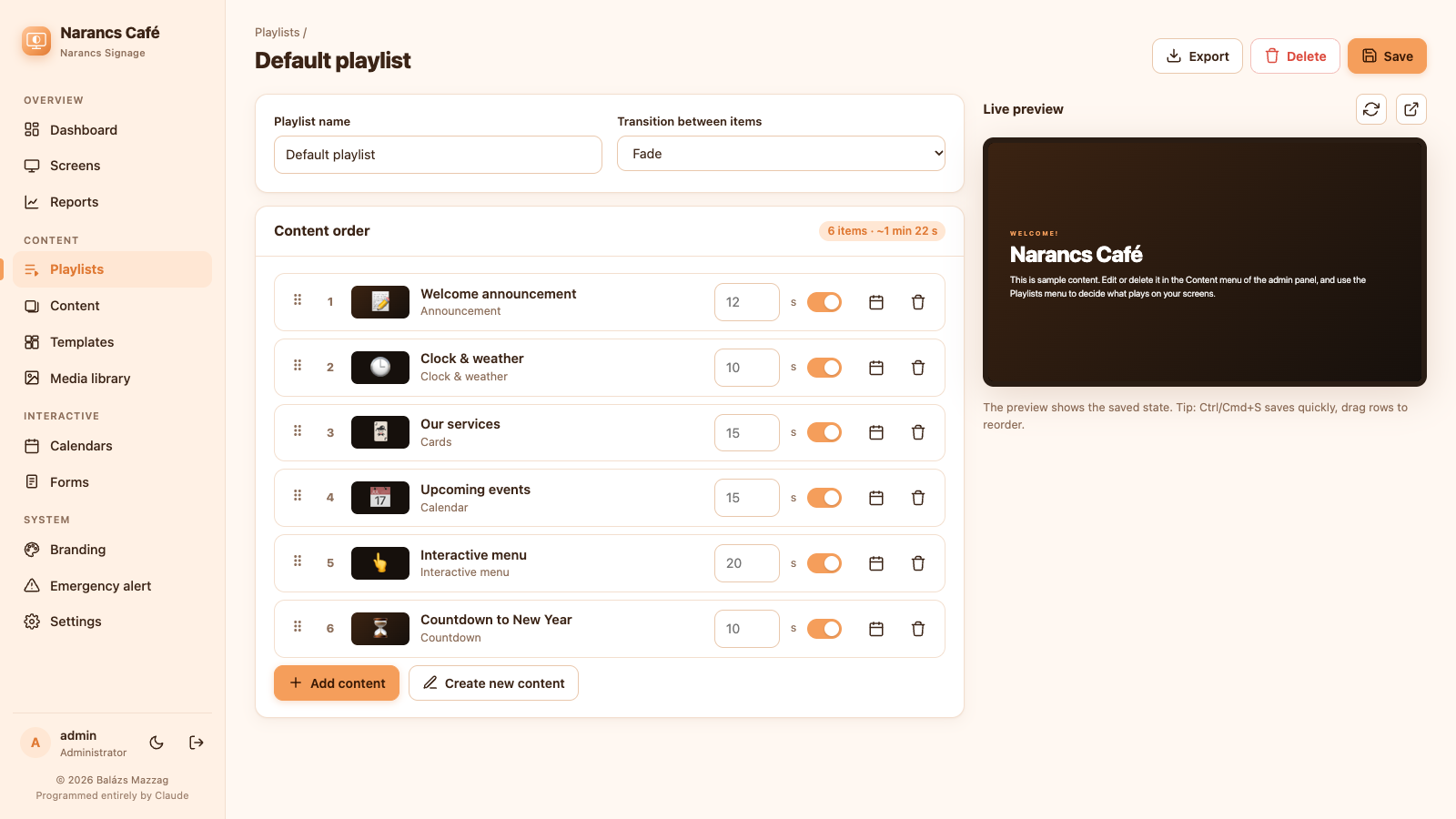
Different playlists by time, weekday and date range. Drag the needle.
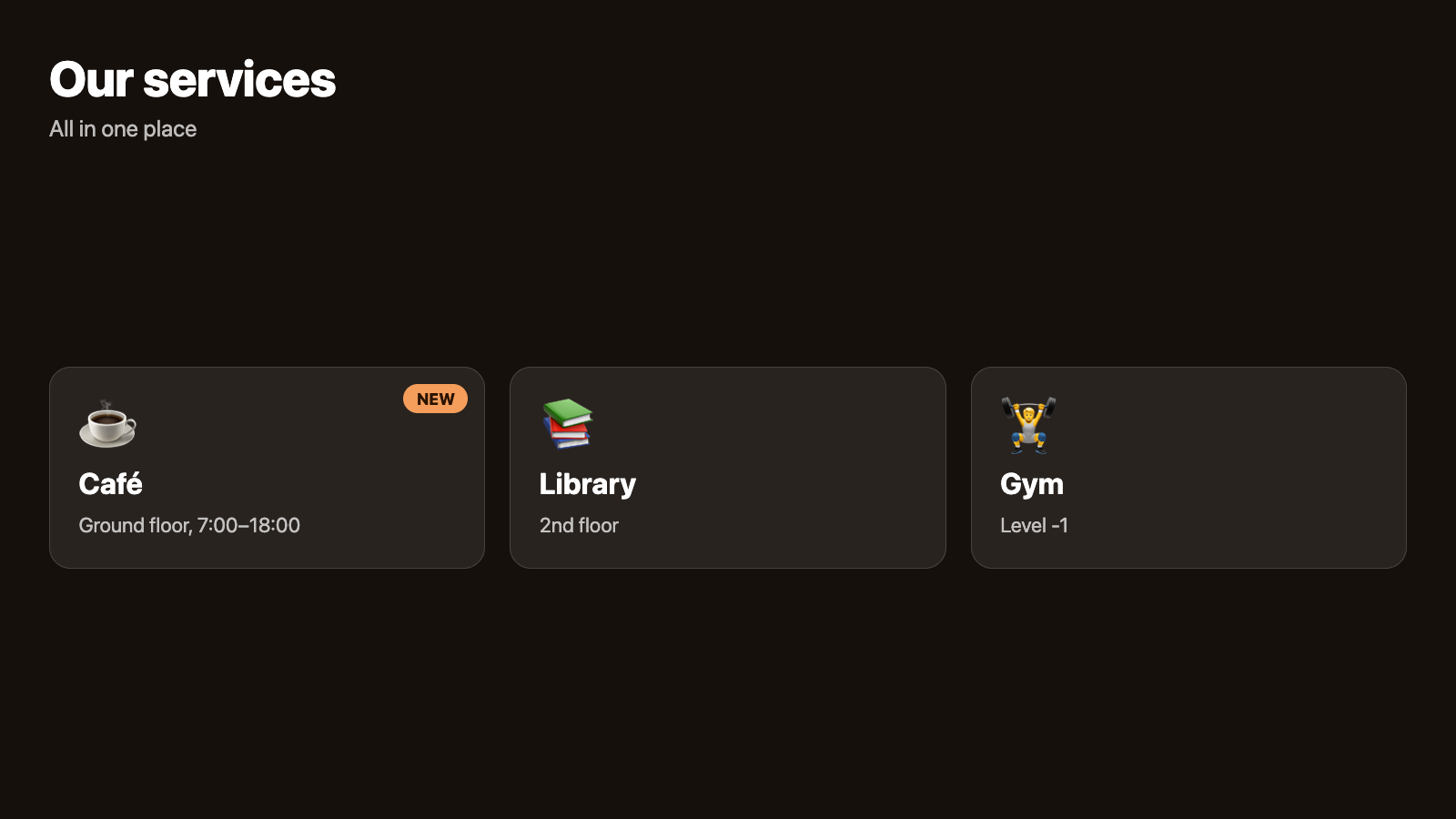
Fades, slides, Ken Burns. Cached offline. Remote reload, restart and emergency alerts from the admin.
Fifteen content types, all editable in the browser with a live preview.
Pictures, videos and announcements in your own colours, or any web page, PDF or HTML you already have.
Fade, slide, Ken Burns, captions and a blurred background.
Play to the end or for a set time, with or without sound.
Title, text, background image or video, gradients, logo.
Embed a page or dashboard, with zoom and timed reload.
Show a document.
Your own HTML/CSS/JS in an isolated frame.
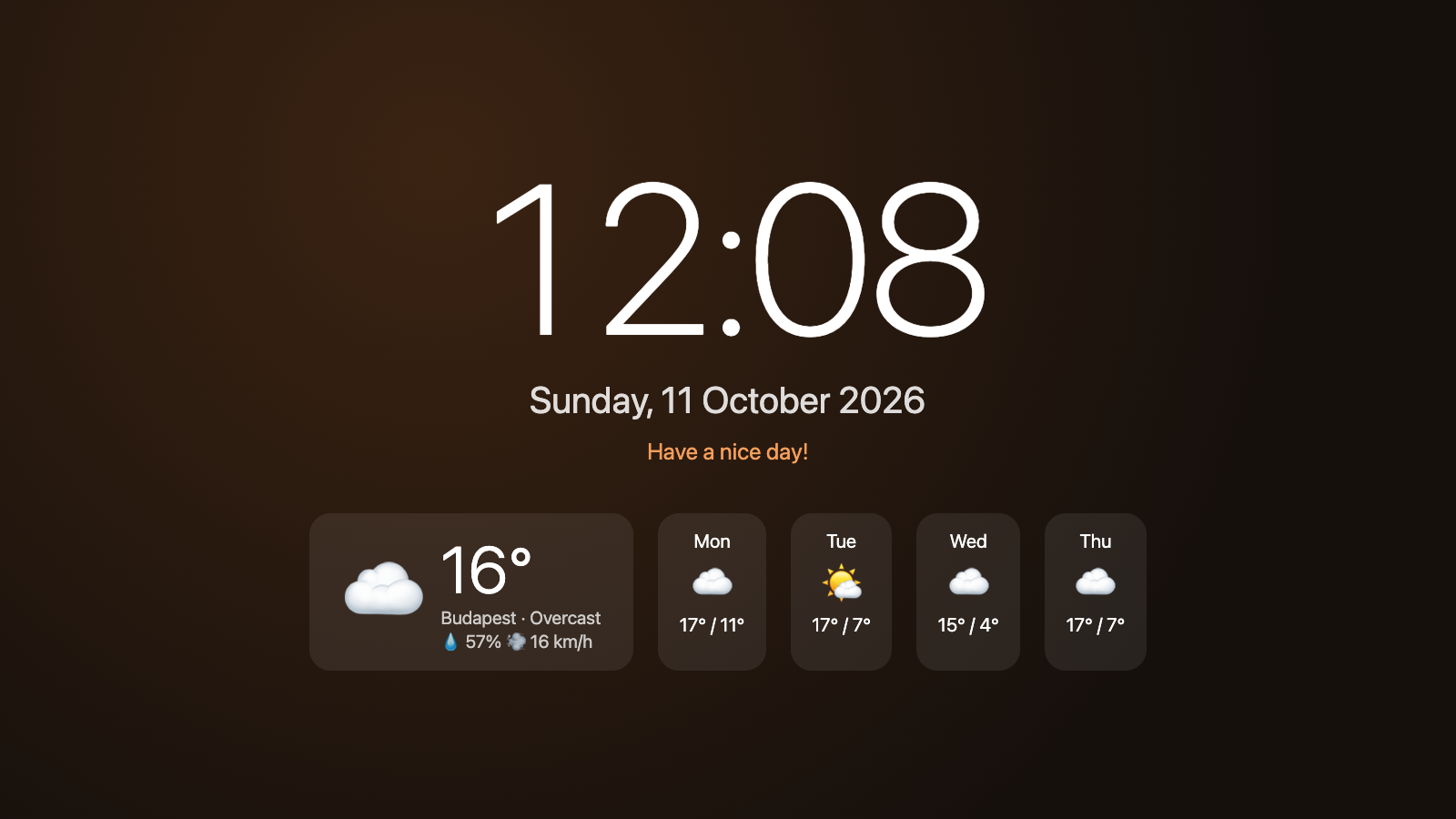
Content that updates itself: the time and weather, your calendars, news feeds and countdowns.
Digital or analogue, 5-day forecast, no API key needed.
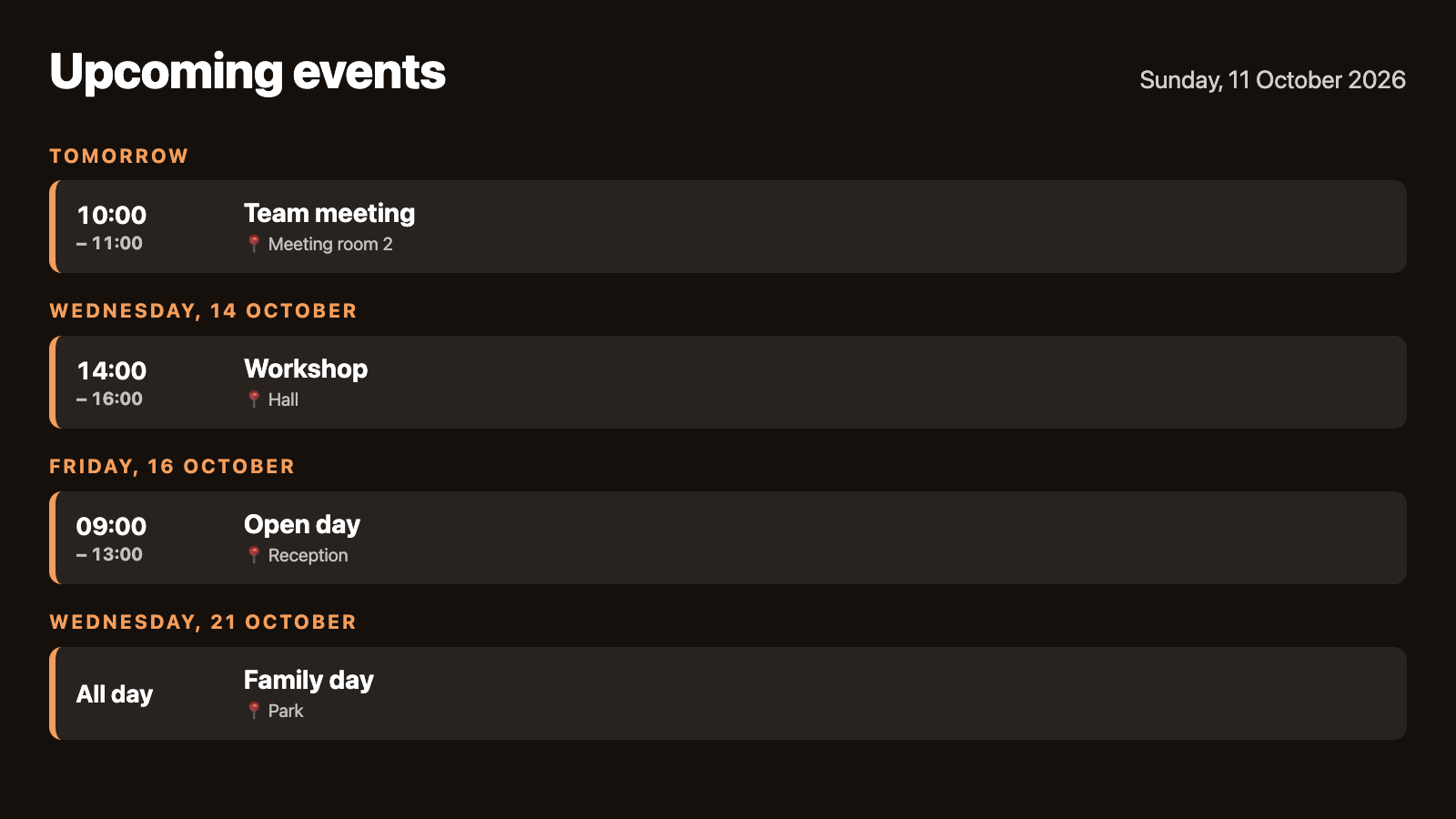
List, week, month; your events plus Google/Outlook iCal, recurring events too.
Any RSS or Atom source, with images.
Time left until an event.
Built-in generator for links and Wi-Fi login.
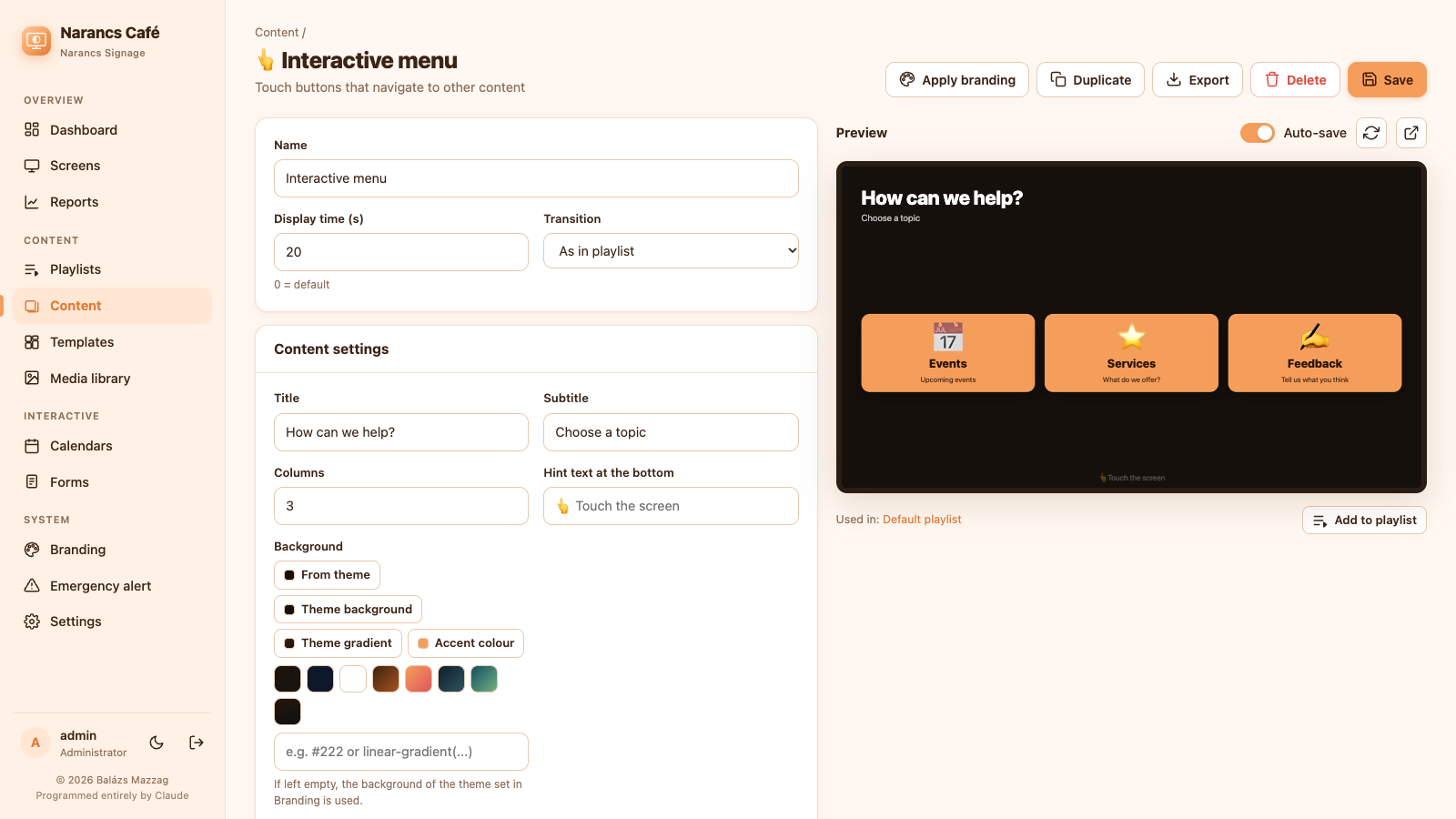
On a touch screen, visitors find their way around, browse your services and fill in forms.
Touch buttons, back/home, auto-return after inactivity.
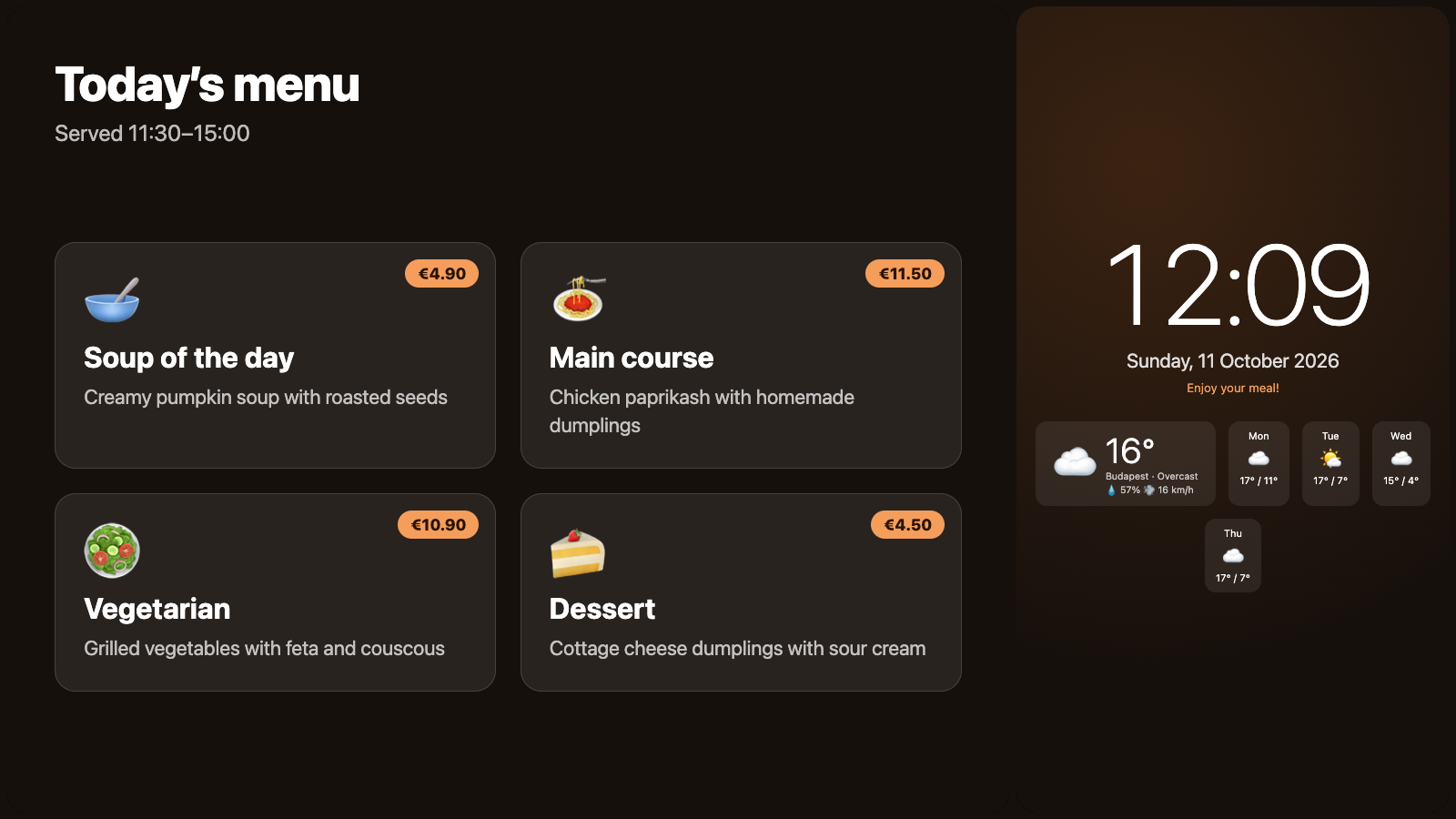
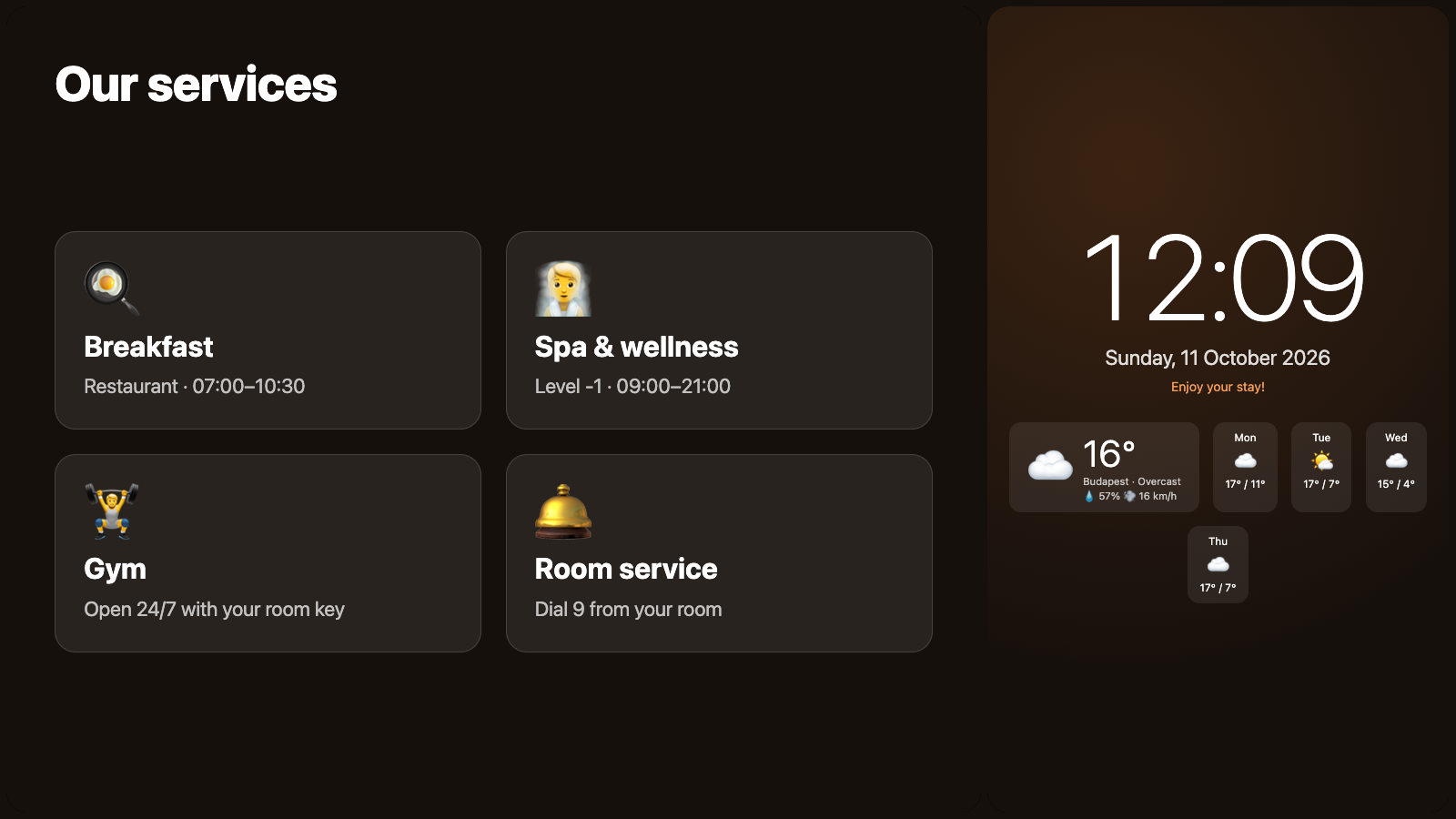
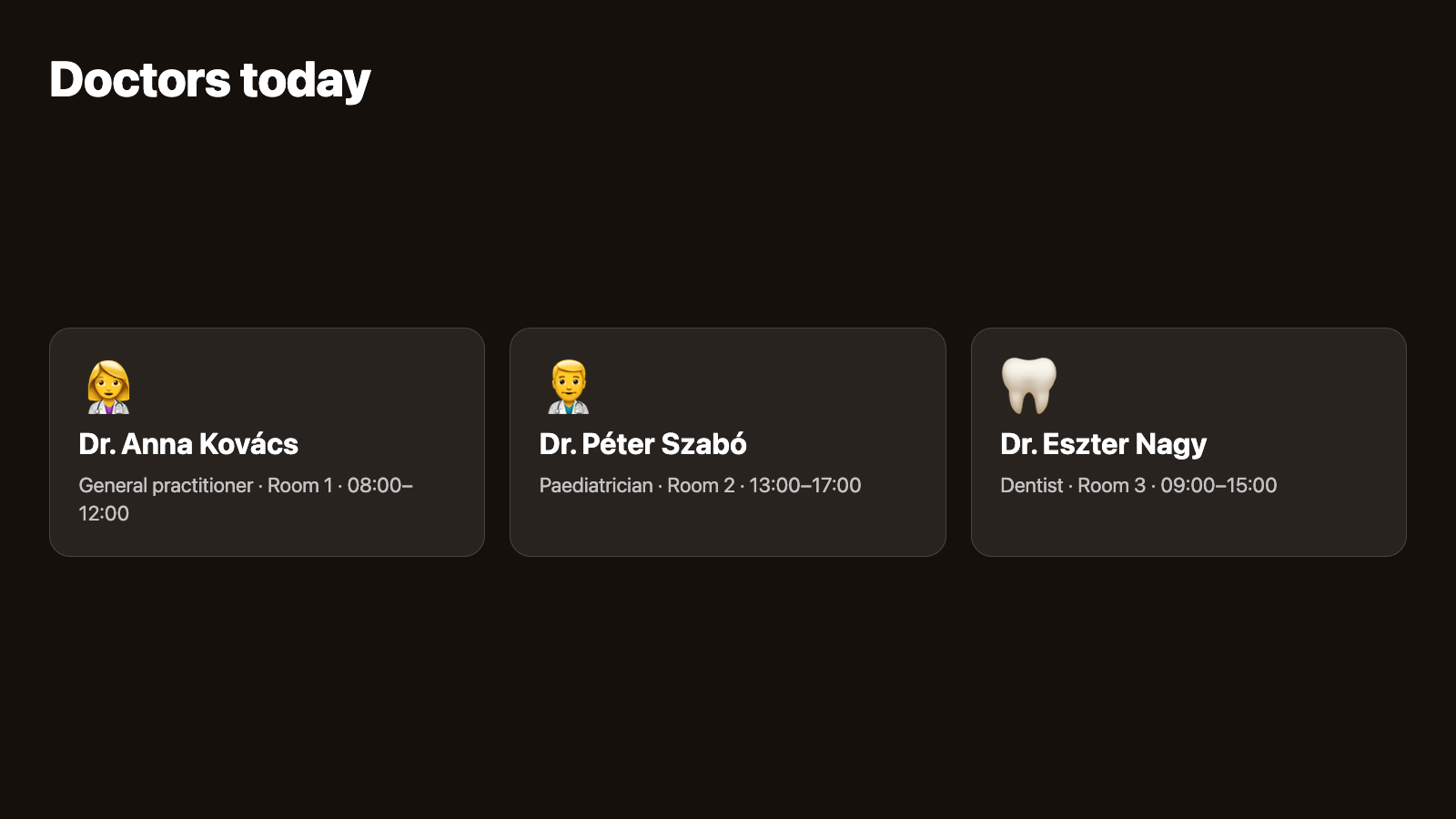
Tiles with icons and badges; a tap opens other content.
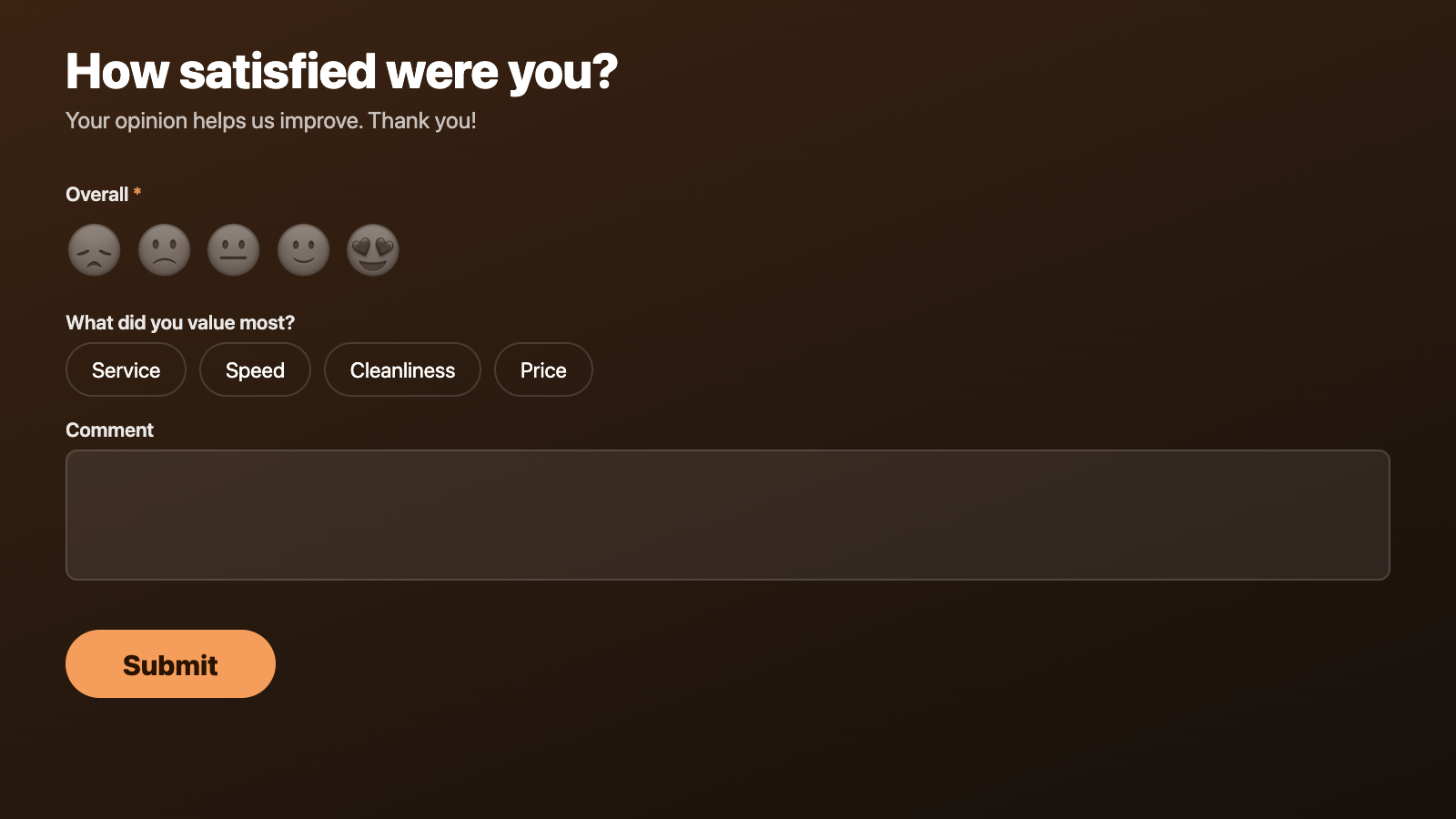
Surveys and sign-ups with a virtual keyboard and CSV export.
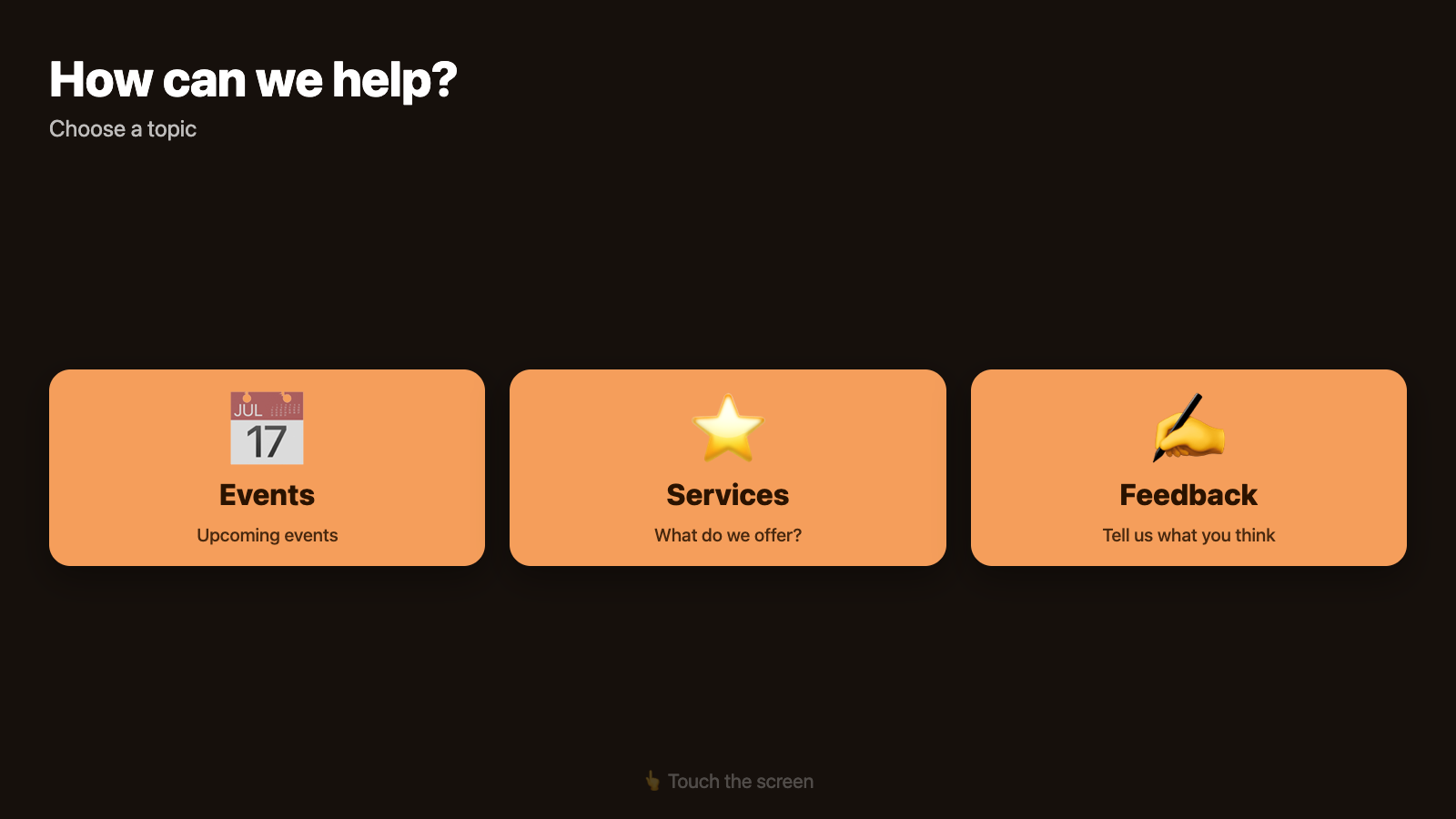
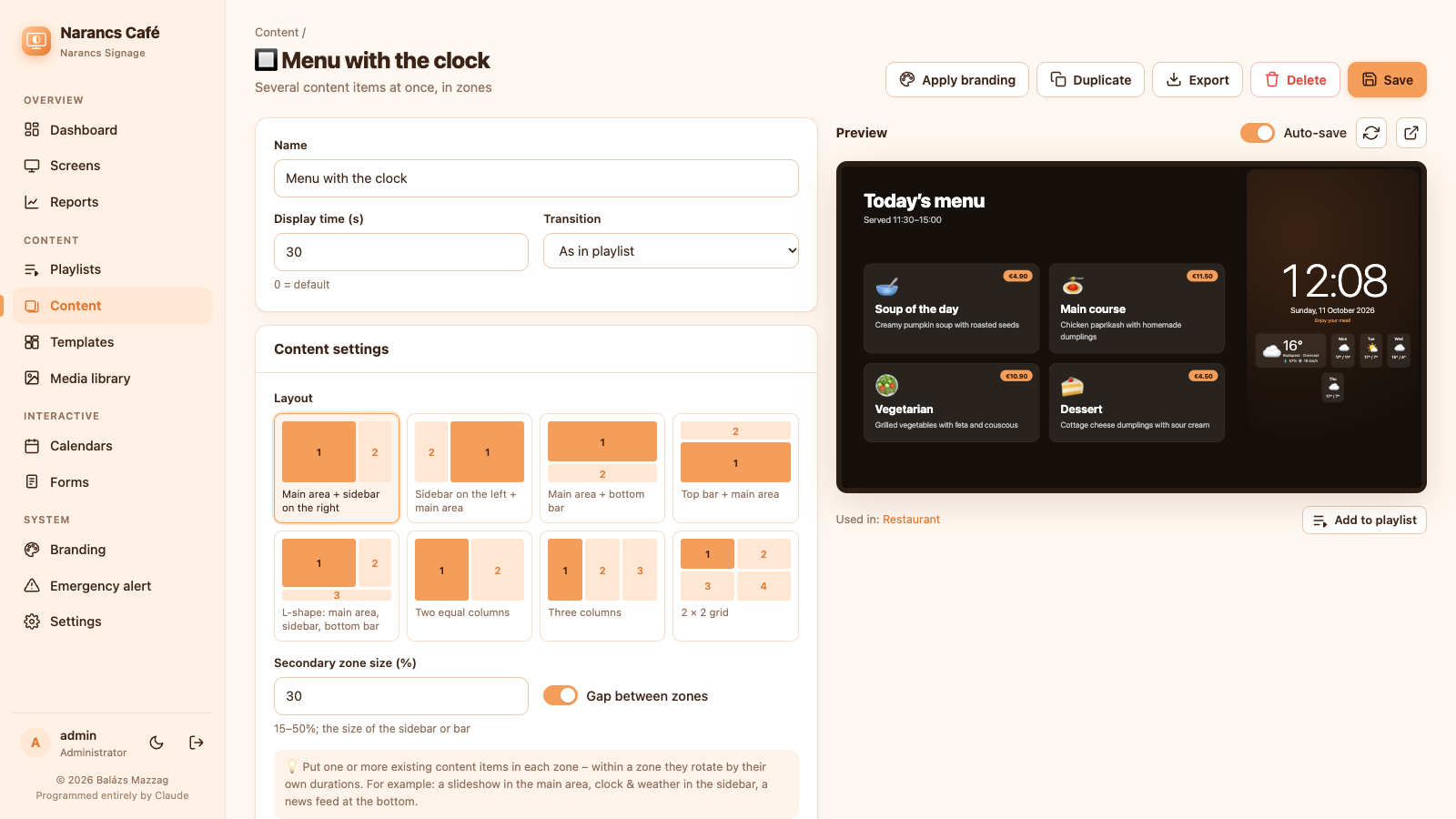
Split the screen into zones: the menu on the left, the clock on the right, the news along the bottom.
Several items at once in zones: sidebar, bottom bar, L-shape, grids.
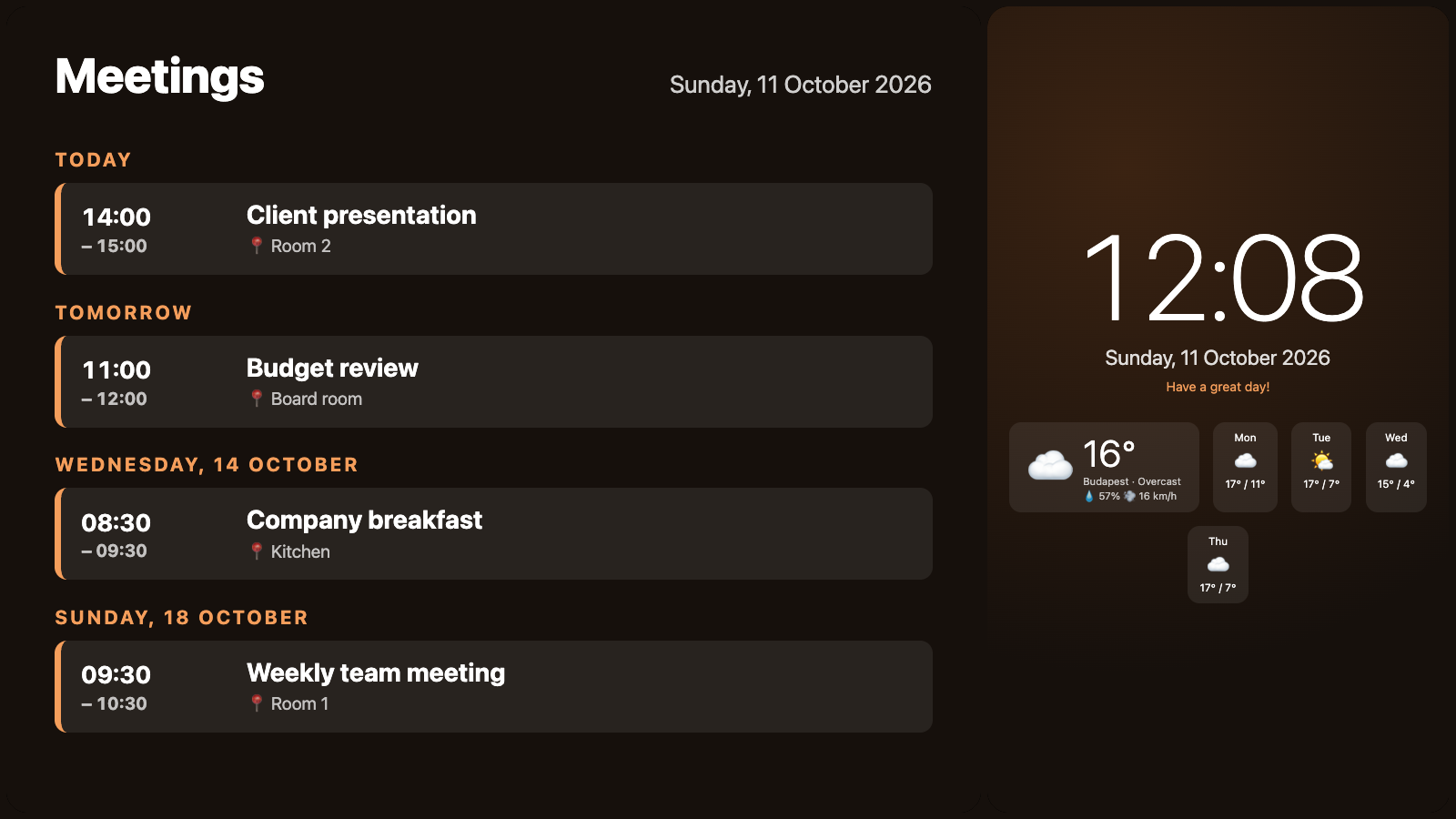
Reports of what played where and how often, by content and by screen, with CSV export for advertisers.
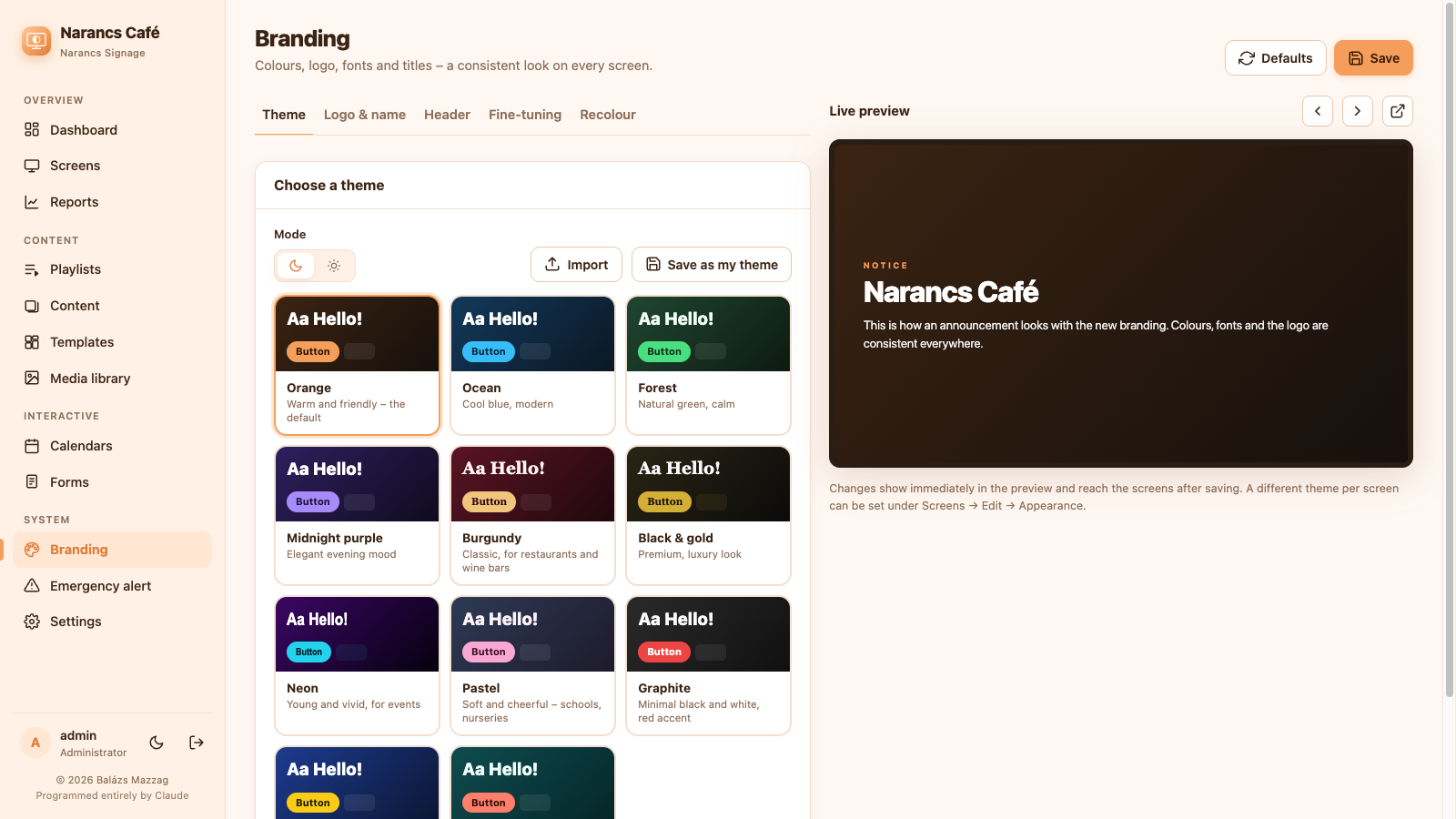
11 built-in themes in dark and light mode, custom colours and fonts, shareable theme files, logo watermark and header bar. A different theme per screen.
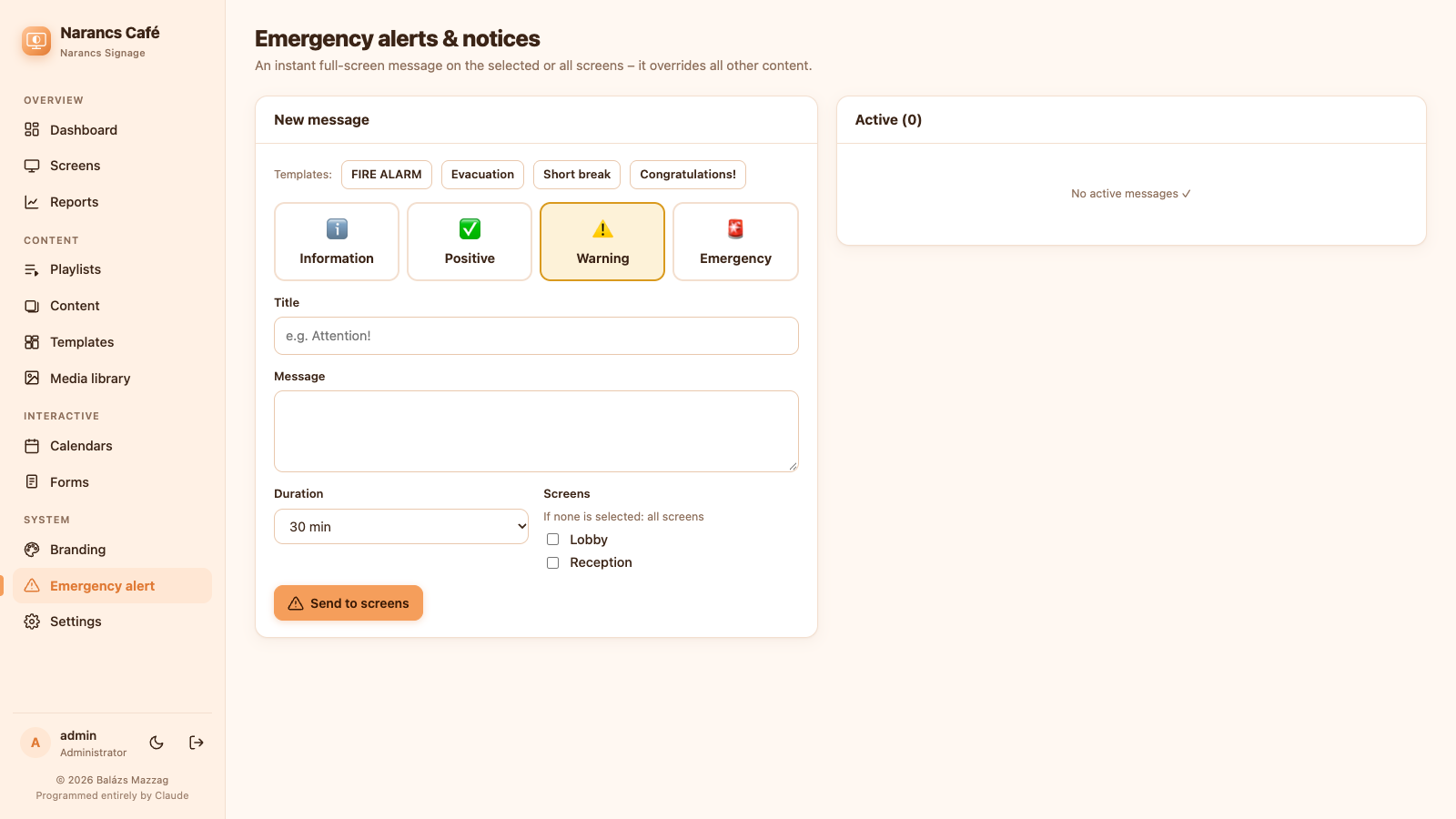
An instant full-screen message on all or selected screens, with templates and expiry.
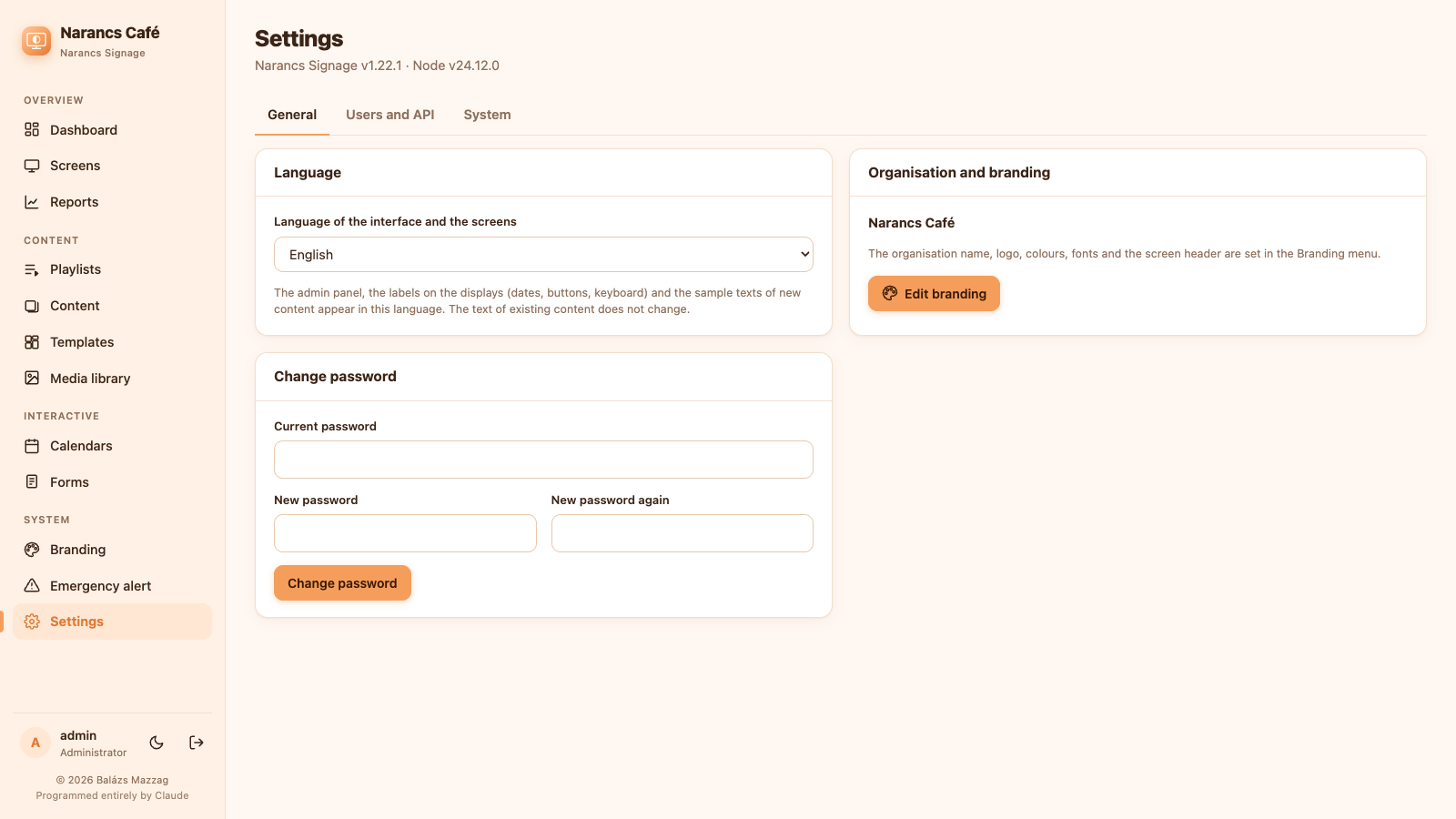
Administrator, editor and viewer roles, plus API keys so other systems can send alerts or content.
Playlists per screen by day, time window and date range. Scheduled screen off turns the monitor off too (DPMS).
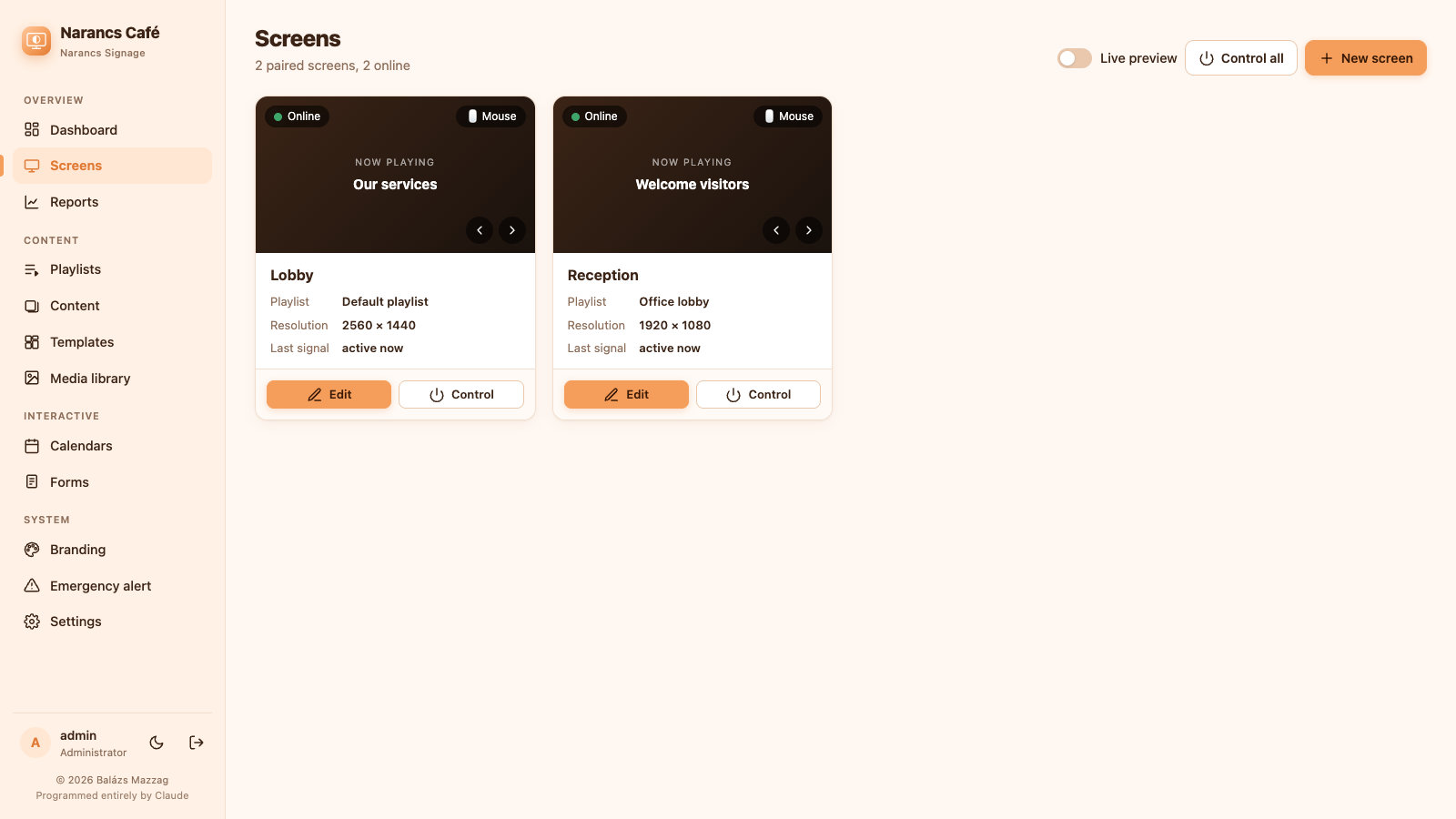
Live screenshot of the real display, identify, previous/next, reload, restart the player or reboot the device — from the admin.
The player caches its configuration and media and keeps running if the server goes down.
Boot splash with a progress bar instead of console text, touch or mouse mode per screen, no translate pop-ups.
Every line — server, admin panel, player, installers and docs — was written by Claude, Anthropic's AI, in Claude Code. New features arrive the same way.
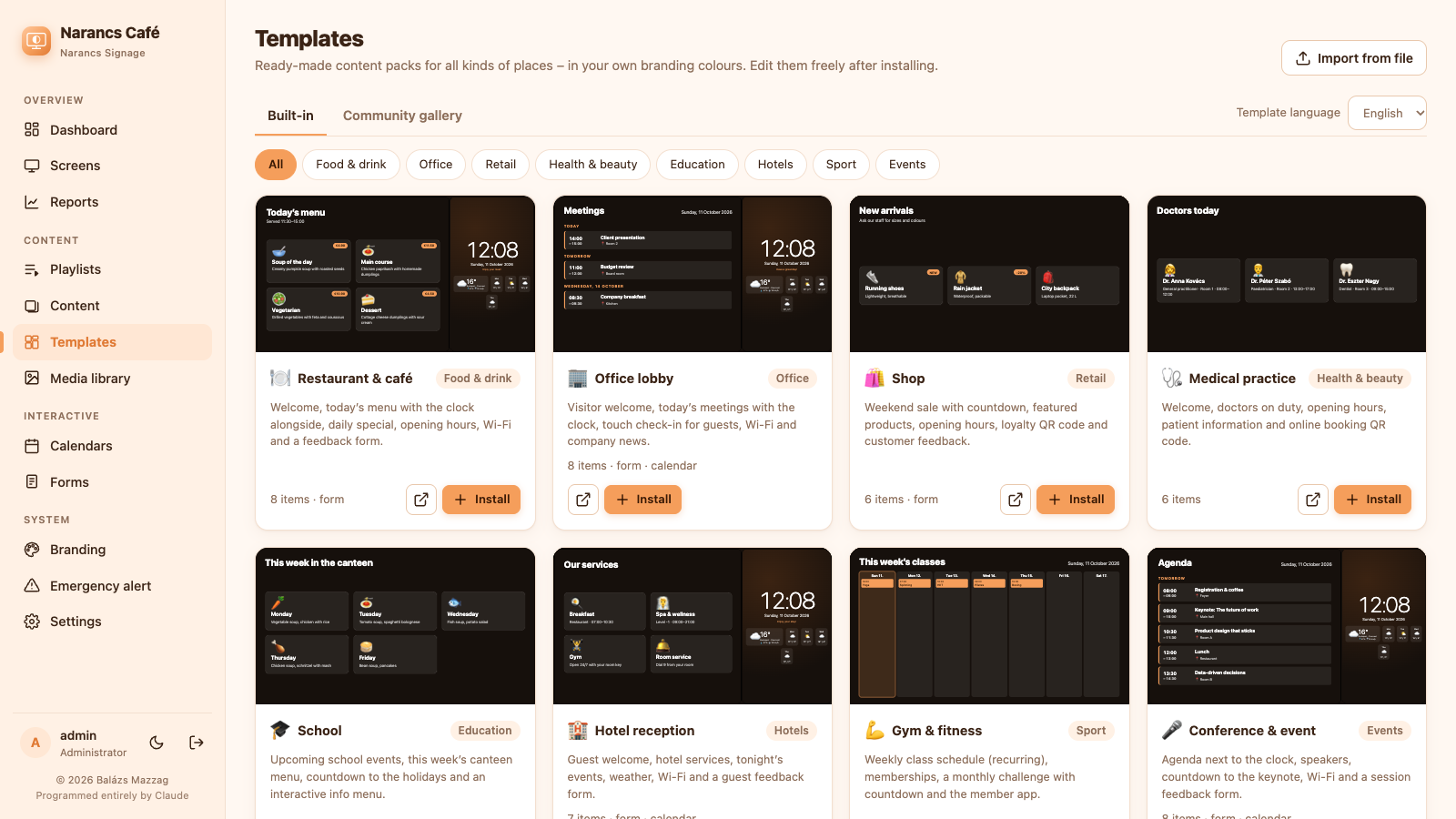
Install a complete content pack in one click – in your own colours – or export your own as a .narancs.json file and import it anywhere.
How does it compare to Yodeck, Screenly, ScreenCloud and Xibo? →
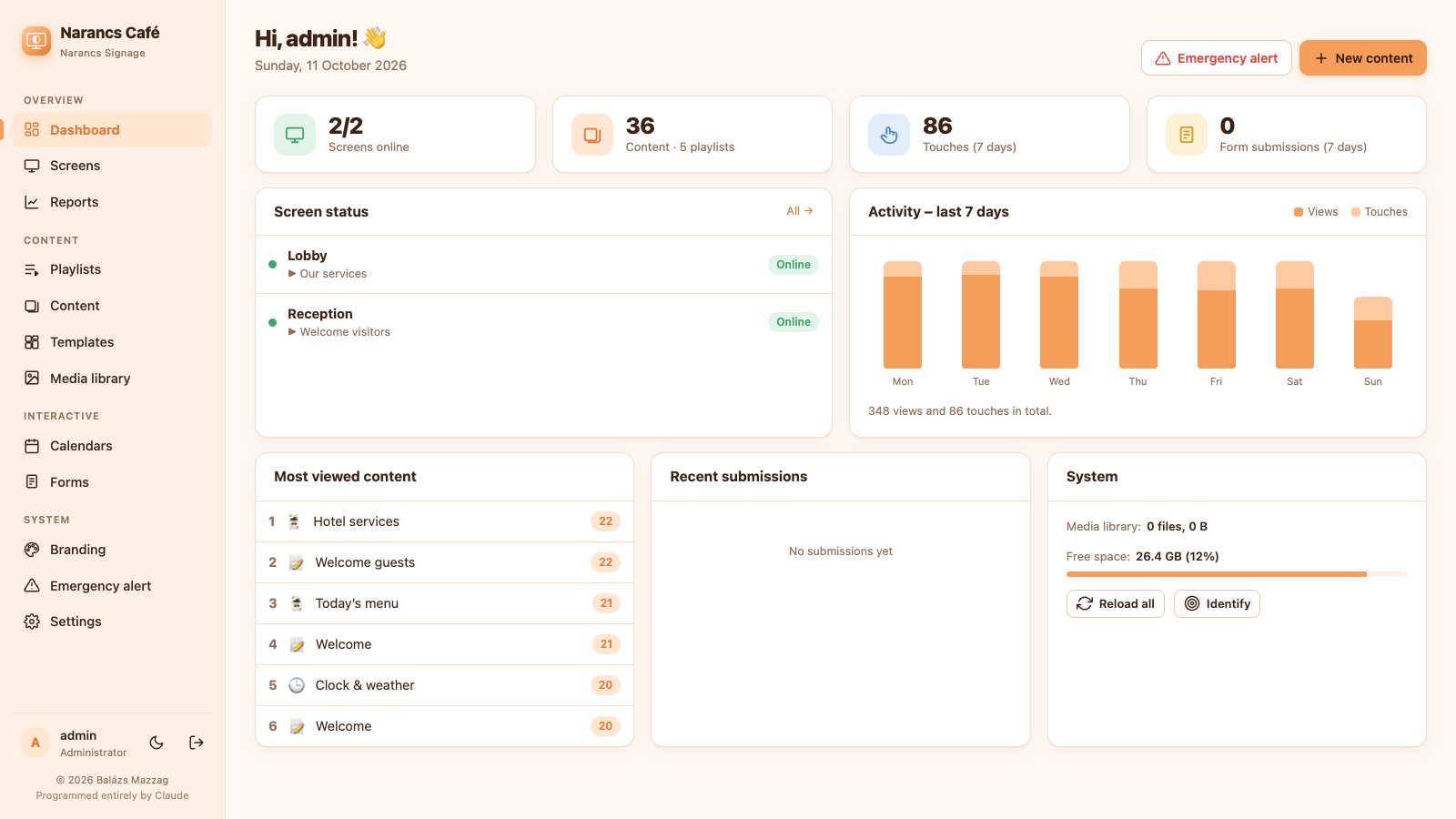
curl -fsSL https://github.com/mzzg-bazsi/narancs-signage/releases/latest/download/install.sh | sudo bashInstalls Node.js, a systemd service and daily backups. Open http://SERVER-IP:8080/admin/ and create your account.
curl -fsSL http://SERVER-IP:8080/install-player.sh | sudo bashReboot, then enter the 6-digit code shown on the screen under Screens → New screen. No install? Open /player/ in any browser.
Using a Raspberry Pi? Flash a ready-made image instead – it installs everything on the first start, as a display, a server, or both in one.